Organization
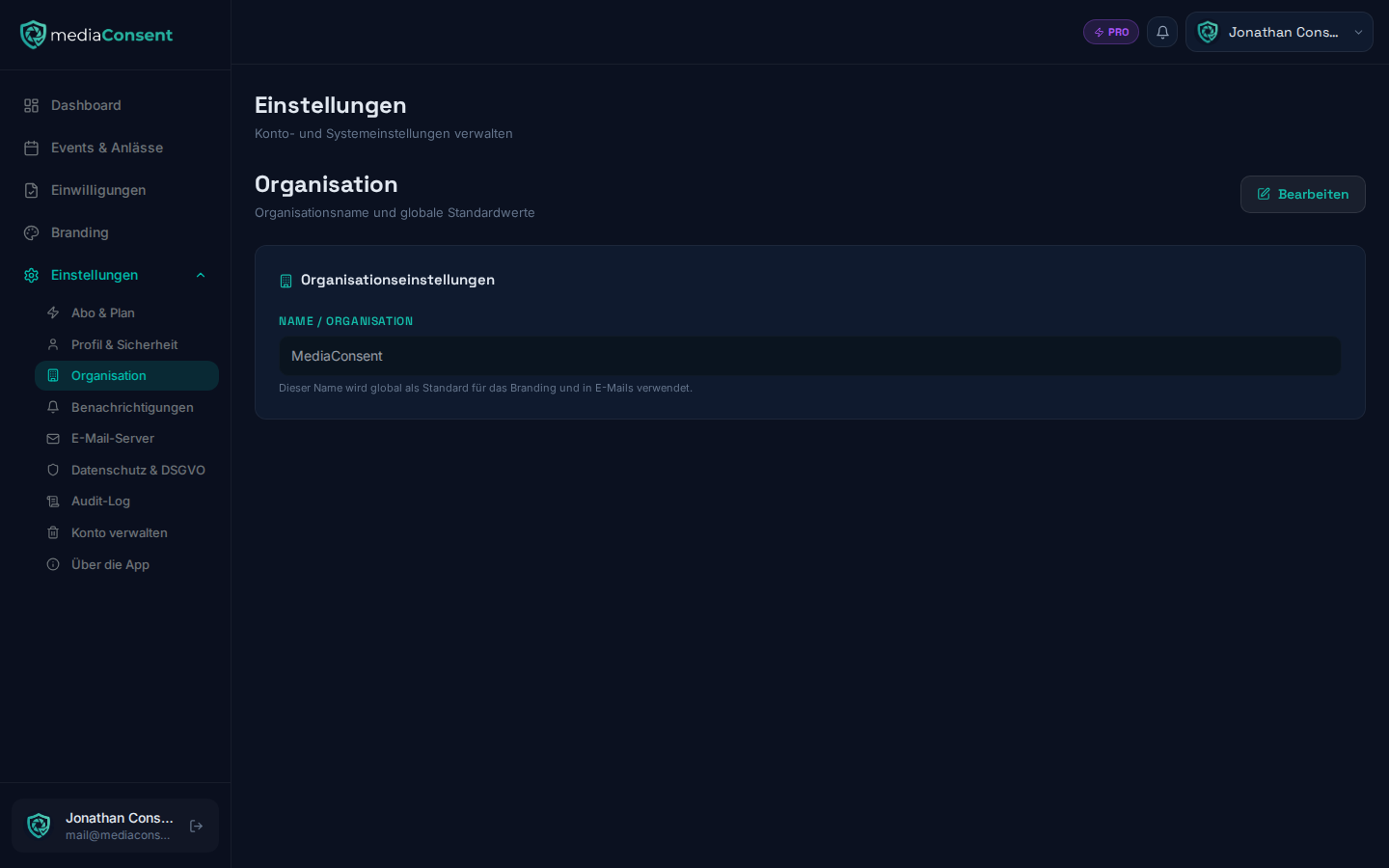
Under Settings → Organization you set your organization's name. It
appears in the kiosk portal, in PDF documents, and in the "Identity &
Contact" tab under Branding (display-only there — it can
only be edited here).
:::warning Synced with your privacy settings The name saved here automatically overwrites the company name under Privacy Settings. If you use a different official legal name there than the display name here, make sure to check both pages after making a change. :::
:::info Difference from privacy settings This name is primarily for display in the portal and on documents. The remaining legally binding details about your organization (address, contact email, data protection officer, etc.) are maintained separately under Privacy Settings. :::